It was reported some months ago that Google was working on a new feature for Android devices. This feature makes it easier to back up local file downloads on Android phones to Google Drive. In this case, no important download will be lost again.

With the February Play System update, the company reveals that the local file backup feature is now available for Android devices, including those from Samsung.
It was in August 2025 that this feature was first unveiled. It comes with a dedicated backup option for the Downloads folder on your devic It uploads any files you download from messaging apps. These files include: WhatsApp, email apps, web browsers, and so on. They’re likely to include PDFs and documents saved in the Downloads folder on the device in to Google Drive.
This feature works for files saved in the Downloads folder, not the device’s internal storage. That’s why it uploads the files automatically to Google Drive.
When you first download a PDF, it will be uploaded to Google Drive immediately. Though if you edit the PDF on your device, the changes won’t sync automatically with the uploaded version. This, no doubt, makes things easier for users, as they don’t need to upload files manually, whether to Google Drive or any other place. It really gives this relief as an initial backup is made immediately after the file is downloaded.
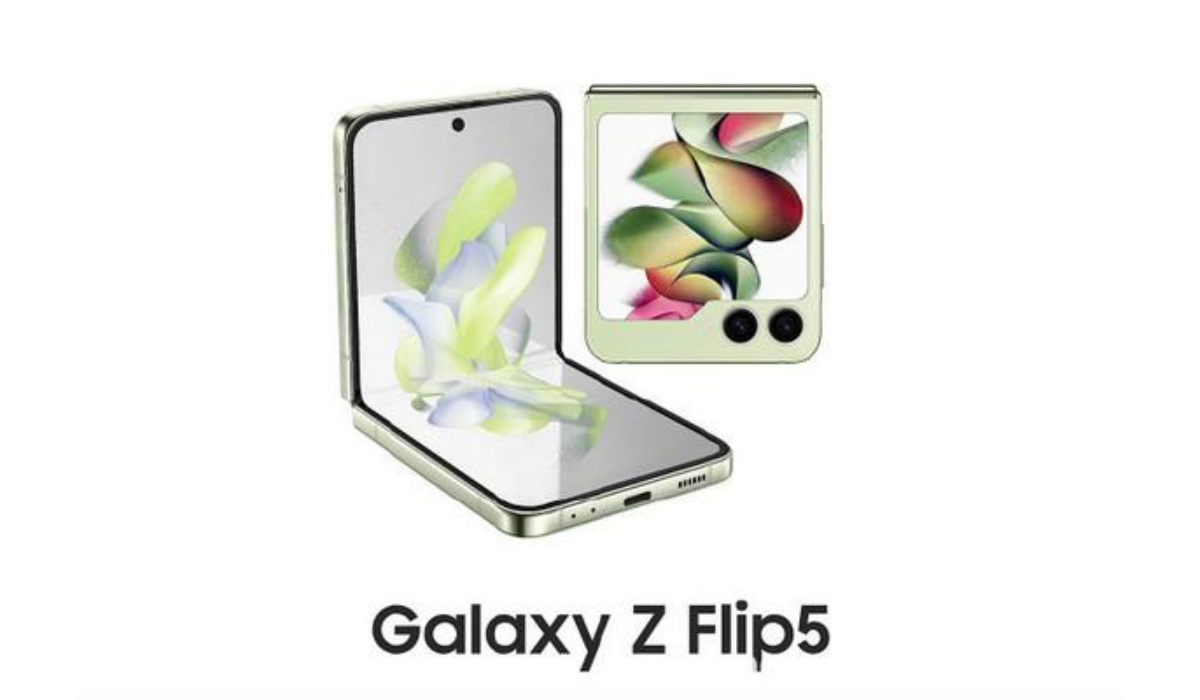
This feature will be available on your Galaxy device soon, as the server-side release should be complete in a few days.